Getting Started
How to activate a license code?
After purchasing a license code, follow the steps shown below:
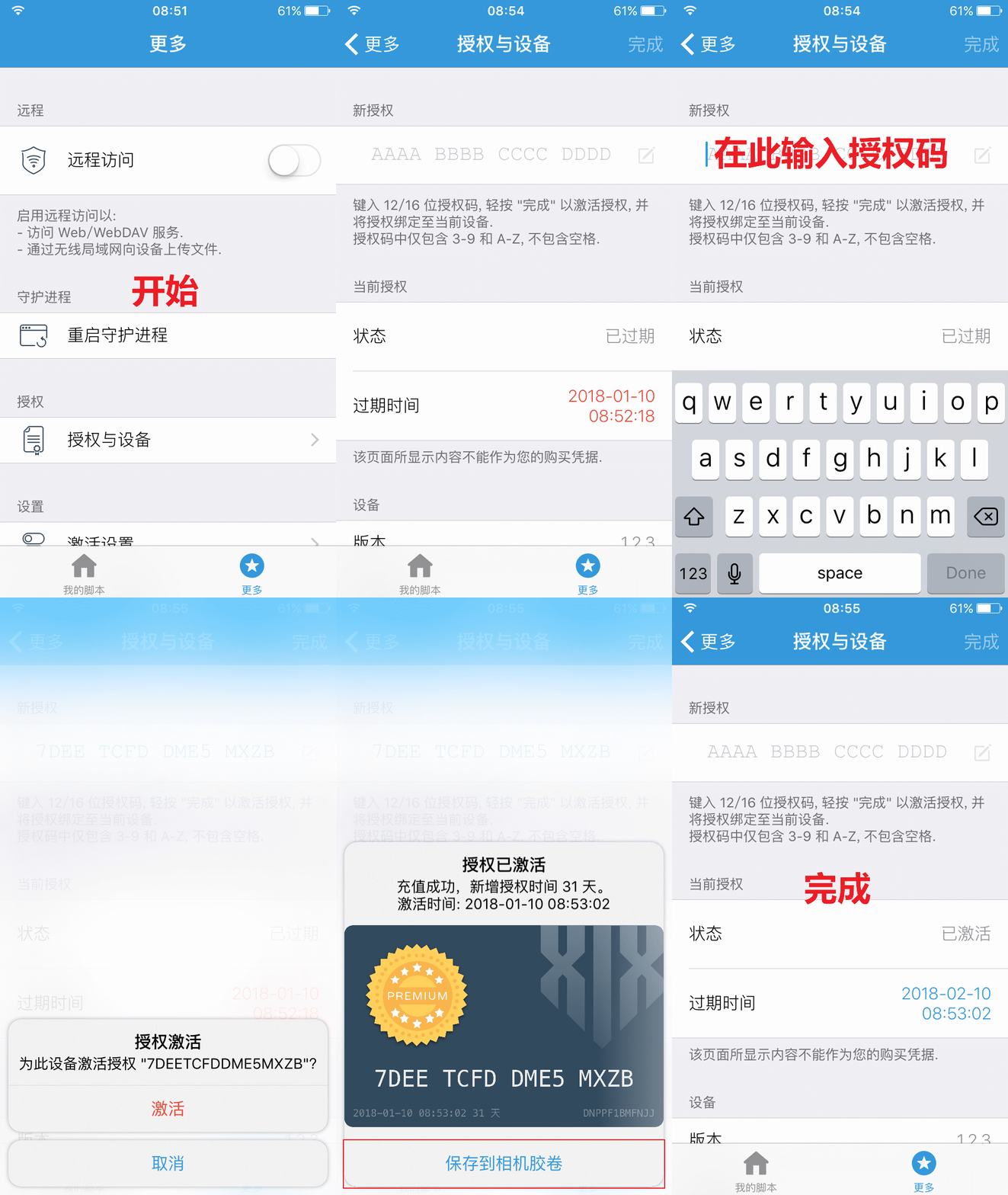
Main UI overview

How to run the selected script?
By default, press the Volume button once from any screen to bring up the action menu:
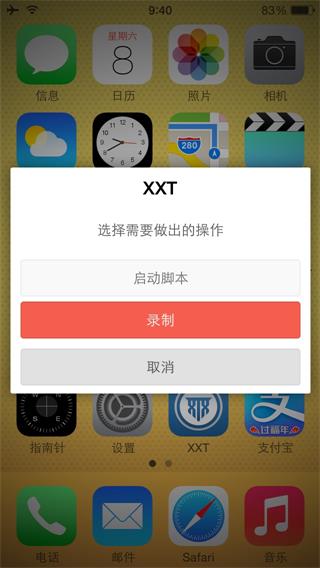 Choose Start Script to run the currently selected script.
Note: You can customize the shortcut in
Choose Start Script to run the currently selected script.
Note: You can customize the shortcut in More → Key Settings.
How to record a script?
By default, press the Volume button once from any screen to bring up the action menu:
Choose Record to start recording.
Press the Volume button once again to finish:
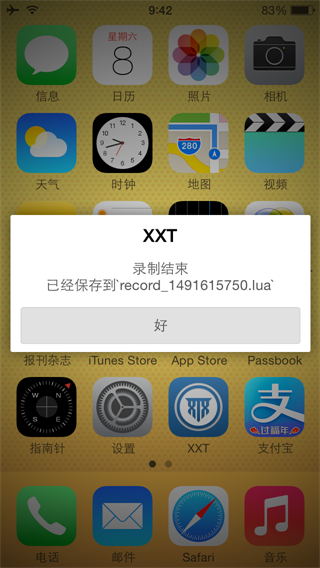
Note: You can customize the shortcut in More → Key Settings.
How to encrypt a script?
Before proceeding, make sure:
- The device has the latest version of XXTouch installed
- The device and computer are on the same LAN
- The device and computer can reach each other over the network
Then enable the Remote Interface on the device (see How to enable the Remote Interface?) and follow the steps below:
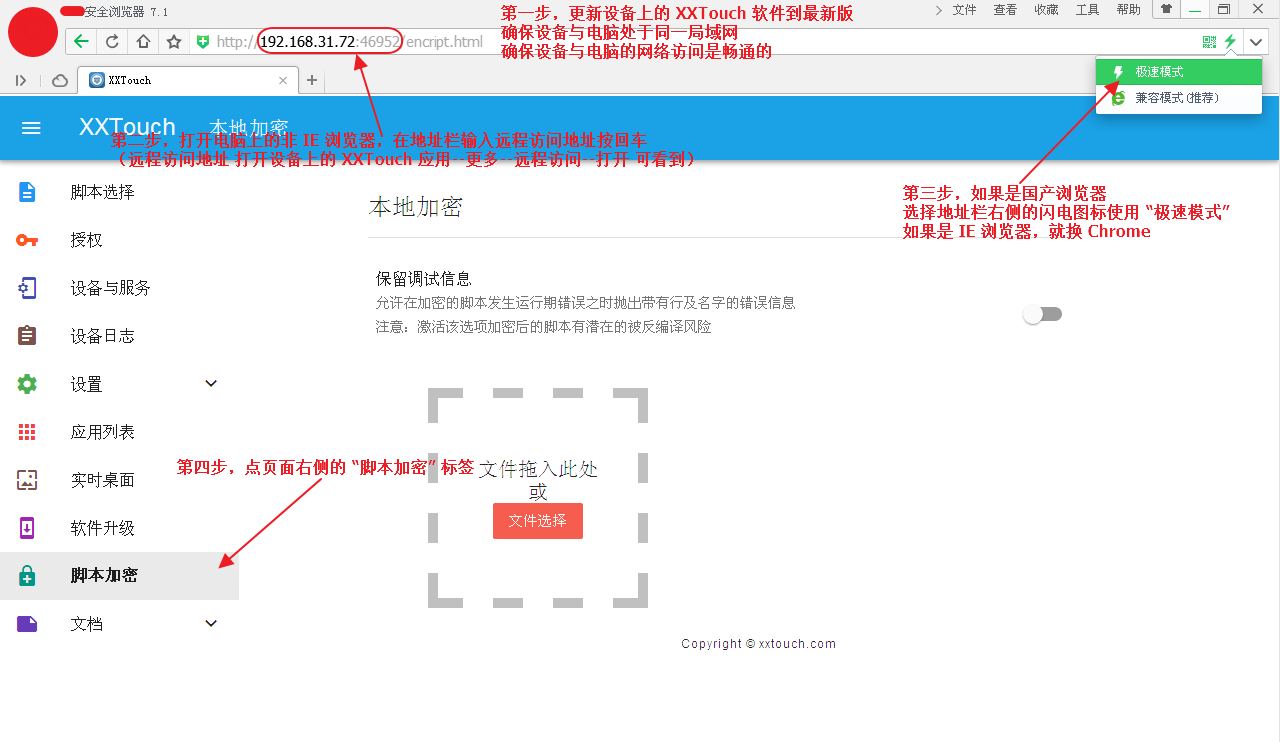
How to enable the Remote Interface?
Open the XXTouch app, navigate to More → Remote Service, and toggle it on:
